
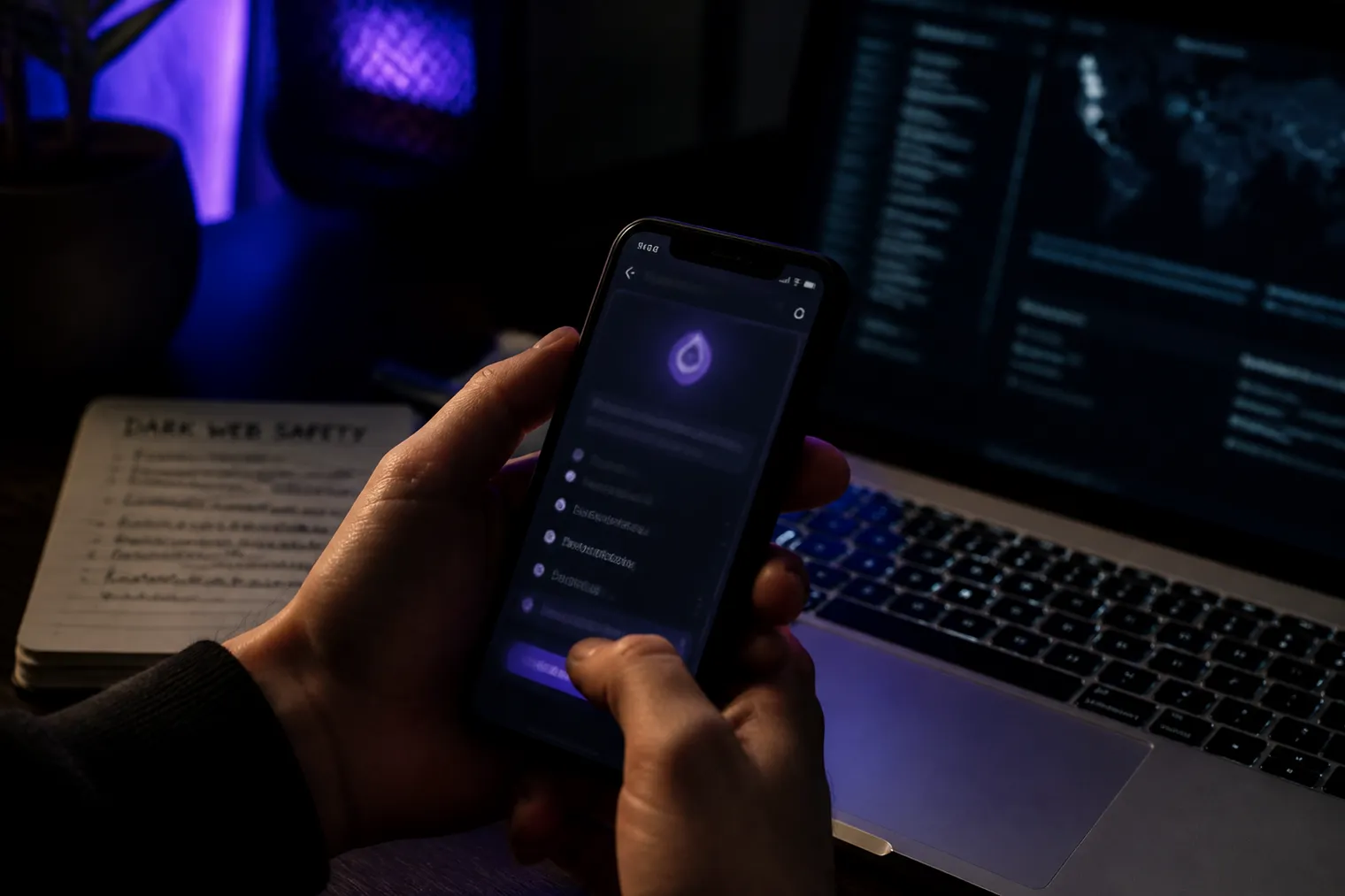
To access dark web sites on iPhone, download Onion Browser from the App Store — the only Tor-compatible browser officially recommended by the Tor Project for iOS[1][2]. Install the companion Orbot app to route your connection through Tor and prevent IP leaks[3]. Keep in mind:
How to Access Dark Web Sites on iPhone: Step-by-Step Setup
Accessing dark web sites on your iPhone requires a few specific steps. We’ll guide you through installing the Onion Browser, setting up the Orbot VPN, and configuring security settings.
Step 1: Install Onion Browser
Open the App Store on your iPhone.
Search for “Onion Browser.”
Download and install the app. It is the official Tor-compatible browser for iOS recommended by the Tor Project[1][2].
Step 2: Optional Orbot VPN Setup
To enhance your privacy, we recommend installing Orbot. This app routes your connection through the Tor network, minimizing the risk of IP leaks. Here’s how to set it up:
Go back to the App Store.
Search for “Orbot.”
Download and install the app.
Open Orbot and follow the on-screen instructions to connect.
Step 3: Configure Security Settings in Onion Browser
After installing Onion Browser, configure its settings for optimal security:
Open Onion Browser.
Go to Settings.
Enable “Use Orbot” if you installed it. This will tunnel your traffic through Orbot.
Adjust privacy settings to block JavaScript if desired. This can prevent potential leaks, but may affect site functionality.
Step 4: Testing Connection to .onion Sites
Now, let’s check if everything is working:
Open Onion Browser.
Enter a known .onion site address, like the Hidden Wiki.
If the page loads successfully, your setup is complete.
Important Notes
Onion Browser only secures traffic within its app. Other apps on your iPhone will not be protected[4].
Apple’s restrictions mean there’s no full Tor Browser for iOS, limiting privacy protections compared to desktop versions[1][4].
Ensure your iOS version is compatible. Onion Browser works on iOS 15, 16, and 17+[3].
Following these steps will allow you to safely and effectively access dark web sites on your iPhone.
Essential Security Settings Before Browsing Dark Web on iPhone
Before diving into the dark web using your iPhone, it's crucial to set up essential security measures. These steps will help protect your privacy and enhance your browsing experience.
VPN Setup Recommendations
Using a VPN is highly recommended before launching Onion Browser. We suggest installing the Orbot app, which routes your connection through the Tor network. This additional layer helps minimize IP leaks and enhances your anonymity. To set up Orbot:
Download and install Orbot from the App Store.
Open Orbot and follow the prompts to connect to the Tor network.
Disabling JavaScript
JavaScript can pose security risks, as it may lead to potential IP or network leaks. Onion Browser allows you to disable JavaScript. This setting can limit some website functionalities but significantly enhances your privacy. To disable JavaScript:
Open Onion Browser.
Navigate to Settings.
Find the option to block JavaScript and enable it.
Clearing Browsing Data
After each browsing session, clear your browsing data to ensure no traces remain. This includes cookies, cache, and history. To do this:
Open Onion Browser.
Go to Settings.
Select the option to clear browsing data.
Avoiding Personal Accounts and Logins
Avoid logging into personal accounts while browsing the dark web. Using your real identity or credentials can compromise your anonymity. Stick to anonymous browsing and refrain from accessing accounts linked to your personal information.
Security Slider Settings
Onion Browser has a security slider that lets you balance usability and anonymity. The higher you set the slider, the more secure your browsing becomes, but it may limit website functionality. For instance:
Low Security: Allows JavaScript and media, providing a better user experience.
Medium Security: Blocks certain scripts but retains basic functionality.
High Security: Disables JavaScript and other media, maximizing anonymity.
Consider your needs when adjusting this setting. If you prioritize anonymity, opt for higher security levels.
Following these security settings will help you navigate the dark web on your iPhone safely and effectively. Always remain vigilant and informed about potential risks while exploring .onion sites.
Top Dark Web Sites (.onion) Compatible with iPhone
Here’s a curated list of .onion sites accessible via Onion Browser on your iPhone. Each site serves a unique purpose and offers varying content.
The Hidden Wiki
URL: hiddendata7w3a5g3t.onion
Description: A directory of .onion sites, providing links to various categories including forums, markets, and more.
Compatibility: Works well on iPhone, but some links may not function correctly due to JavaScript restrictions.
DuckDuckGo Onion Version
URL: duckduckgofwqy.onion
Description: A privacy-focused search engine that allows users to search the dark web while maintaining anonymity.
Compatibility: Fully functional on iPhone, ideal for finding other .onion sites.
ProtonMail Onion
URL: protonmail.com/onion
Description: A secure email service that provides encrypted email communication.
Compatibility: Accessible via Onion Browser, ensuring your email remains private.
SecureDrop
URL: secdrop5wyphb5xg.onion
Description: A platform for whistleblowers to securely share documents with journalists.
Compatibility: Can be accessed on iPhone, but may require specific instructions for successful use.
Torch Search Engine
URL: torchbrowser.com
Description: A search engine specifically for the dark web, offering a vast array of indexed .onion sites.
Compatibility: Works on iPhone, providing a straightforward search experience.
Ahmia Search Engine
URL: ahmia.fi
Description: A search engine designed to index .onion sites, focusing on legal and safe content.
Compatibility: Fully functional on iPhone, great for finding legitimate dark web resources.
BBC Onion
URL: bbcnewsv2vjtpsuy.onion
Description: The onion version of the BBC, providing news articles while maintaining user anonymity.
Compatibility: Accessible on iPhone, offering a reliable news source.
Not Evil Search Engine
URL: notevilxj6z7l6iz.onion
Description: A search engine that indexes .onion sites, focusing on user-friendly results.
Compatibility: Can be used on iPhone, allowing easy searches.
The Pirate Bay Onion
URL: thepiratebay.org
Description: The popular torrent site’s onion version, providing access to torrents anonymously.
Compatibility: Accessible on iPhone, but ensure you understand the legal implications of torrenting.
0x0.st
URL: 0x0.st
Description: A file hosting service for anonymous file sharing.
Compatibility: Works on iPhone, but be cautious about the content you share.
Each of these sites serves various purposes, from search engines to secure communication platforms. Always ensure you are aware of the legal implications of accessing certain content on the dark web.
Onion Browser vs Orbot: Which Setup Works Best for iPhone
When considering how to access the dark web on your iPhone, you have two main options: using Onion Browser on its own or pairing it with Orbot. Each approach has its own advantages and use cases.
Standalone Onion Browser
Onion Browser is the only Tor-compatible browser officially recommended for iOS. It allows users to access .onion sites but has some limitations. Here are the key points:
Privacy Limitations: Onion Browser only secures traffic within the app. Other apps on your iPhone will still use your normal connection, which exposes your data[4].
iOS Restrictions: Due to Apple’s requirement to use WebKit, Onion Browser cannot offer the same privacy protections as the Tor Browser on desktop or Android[1][4].
Performance: Users may experience slower browsing speeds compared to using Orbot, especially on content-heavy sites.
Onion Browser with Orbot
Using Onion Browser in conjunction with Orbot enhances your security and anonymity. Here’s when you should consider this setup:
Pluggable Transports: If you are in a region with heavy internet censorship, Orbot can help you access the Tor network more effectively through pluggable transports[2].
Enhanced Privacy: Orbot routes all network traffic through Tor, minimizing the risk of IP leaks that could occur with JavaScript[3]. This is crucial if you want to protect your identity while browsing.
Performance: Combining both apps may lead to better performance on certain .onion sites, as Orbot can optimize your connection.
iOS Version Requirements
Onion Browser: Compatible with iOS 15 and above[3].
Orbot: Also requires a relatively recent version of iOS, but it is essential for those needing enhanced security features.
Storage and Battery Impact
Running both Onion Browser and Orbot may impact your device's battery life and storage. The additional processes can use more resources, leading to faster battery drain. However, the increase in security and anonymity often outweighs these drawbacks.
In summary, if you are simply browsing .onion sites and do not require extensive privacy measures, Onion Browser alone may suffice. However, if you are in a censored area or want to maximize your anonymity, pairing it with Orbot is the better choice.
Common Issues When Accessing Dark Web on iPhone and Fixes
Accessing the dark web on your iPhone can come with several challenges. Here are common issues and practical fixes to enhance your browsing experience.
.onion Connection Failures
Sometimes, .onion sites may fail to load. This can happen due to network issues or misconfigurations.
Fixes:
Check your network connection: Switch between WiFi and cellular data. WiFi often provides better stability.
Restart Onion Browser: Close the app and reopen it to refresh the connection.
Try a different .onion site: If one site fails, it may be down. Test others, like the Hidden Wiki or DuckDuckGo's onion version.
Slow Loading Times
Loading times can be slow, especially on mobile networks. This is often due to the nature of the Tor network.
Fixes:
Use WiFi when possible: Cellular connections can be slower and less stable for heavy data.
Limit background app refresh: Go to Settings > General > Background App Refresh and disable it for apps not in use. This frees up bandwidth for Onion Browser.
App Crashes or Freezes
Occasionally, Onion Browser may crash or freeze, disrupting your experience.
Fixes:
Update the app: Ensure you have the latest version of Onion Browser from the App Store.
Clear app cache: Go to Settings in the Onion Browser and clear browsing data to free up space.
Reboot your iPhone: A simple restart can resolve temporary glitches.
'Unable to Connect to Tor' Errors
You may encounter errors stating you cannot connect to the Tor network. This can stem from various issues.
Fixes:
Check Tor status: Verify if the Tor network is operational. If there are outages, wait until it’s restored.
Reinstall Onion Browser: If issues persist, uninstall and reinstall the app to reset configurations.
Use Orbot: If you haven't already, consider pairing Onion Browser with Orbot for a more stable connection.
By following these tips, you can troubleshoot common issues and improve your experience accessing the dark web on your iPhone.
Dark Web Safety on iPhone: What You Need to Know
Accessing the dark web on your iPhone is legal, but engaging in illegal activities is not. Simply browsing .onion sites does not violate any federal laws in the United States[5]. However, it’s crucial to understand the risks involved, especially regarding law enforcement tracking and your personal data security.
Legal Considerations
While using tools like the Tor network is legal, approximately 57% of dark web content is illegal[6]. Federal statutes focus on specific illegal activities, not on the tools like Tor that enable anonymity[5]. Always be cautious about the content you access.
Law Enforcement Tracking
The FBI and other law enforcement agencies have developed methods to track users on the Tor network. For example, in 2015, the FBI used malware to identify visitors to a dark web site[7]. During Operation Torpedo in 2012, they collected IP addresses from multiple users visiting seized sites[8]. This demonstrates that while browsing the dark web is legal, the potential for monitoring exists.
Data Collection by Onion Browser
Onion Browser is the recommended app for iOS users accessing the Tor network[1]. However, it has limitations due to Apple's restrictions on browser engines, which means it cannot fully replicate the privacy protections of the Tor Browser on desktop[1]. Onion Browser collects some data, so reviewing its App Privacy labels is essential to understand what information might be shared[3].
Avoiding Malicious .onion Sites
Navigating the dark web can expose you to malicious sites. To mitigate risks:
Stick to well-known directories like the Hidden Wiki or reliable search engines like Ahmia.
Avoid clicking on links from unverified sources.
Use the security settings in Onion Browser to block potentially harmful scripts and JavaScript[3].
Phishing Risks on Mobile Browsers
Phishing is a significant risk on the dark web, especially on mobile browsers. Always verify site URLs and avoid entering personal information. If a site requests your login credentials or personal data, leave immediately.
By staying informed and cautious, we can navigate the dark web safely on our iPhones, minimizing risks while exploring its unique content.
Limitations of Dark Web Browsing on iPhone vs Desktop
Browsing the dark web on an iPhone presents several technical constraints compared to using a desktop. Understanding these limitations helps us navigate more safely and effectively.
No Official Tor Browser for iOS
The Tor Project does not support an official Tor Browser for iOS. Instead, we have the Onion Browser, an open-source app that utilizes Tor routing. However, it lacks the full functionality of the desktop version[1].
Reduced Security Features
Onion Browser cannot implement the same privacy protections as the desktop Tor Browser. This is largely due to Apple’s requirement that all iOS browsers use WebKit. Consequently, Onion Browser’s security features are limited[1][4].
Network Traffic Limitations
Onion Browser only tunnels traffic within the app itself. This means that any network activity outside of the app will not be protected by Tor. Our regular connection remains active, which can expose our IP or network information[4]. This is a significant difference from a desktop experience where all traffic can be secured.
Mobile-Specific Vulnerabilities
Mobile devices can have unique vulnerabilities that may not be present on desktops. For example, iOS might route audio or video embeds through a normal connection rather than through Tor, potentially leaking information[4].
Compatibility Issues with .onion Sites
Some dark web sites do not work well on mobile interfaces. They may be designed for desktop browsers, leading to poor user experience on iPhones. For instance, complex sites might not load properly or could be difficult to navigate.
Conclusion
The limitations of dark web browsing on iPhone stem from a combination of technical constraints and design choices. While tools like Onion Browser offer access, the experience and security are not on par with desktop solutions. Understanding these limitations allows us to take necessary precautions and make informed decisions when exploring the dark web.
Dark Web Search Engines and Directories for iPhone Users
Finding .onion sites without prior URLs can be challenging. However, we can utilize various search engines and directories designed for the dark web. Here’s a detailed guide on using Torch, Ahmia, notEvil, and The Hidden Wiki on our mobile devices.
Torch Search Engine
Torch is one of the oldest search engines on the dark web. It indexes .onion sites, making it easier to find content. To use Torch on your iPhone:
Open Onion Browser.
Enter the URL for Torch (usually torchsearch.com) in the address bar.
Browse through the indexed results.
Ahmia
Ahmia is another reliable search engine focusing on .onion sites. It filters illegal content and provides a safer browsing experience. To access Ahmia:
Launch Onion Browser.
Type in the Ahmia URL (often ahmia.fi).
Use the search function to explore various .onion links.
notEvil
notEvil offers a unique interface for discovering dark web sites. It also emphasizes user safety. Here’s how to use it:
Start Onion Browser.
Navigate to notEvil’s URL (typically notevil.com).
Browse through categories or use the search bar to find specific sites.
The Hidden Wiki
The Hidden Wiki is a popular directory for .onion sites. It provides links to various resources and services. To use it:
Open Onion Browser.
Enter the Hidden Wiki URL (usually hiddenwiki.org).
Explore the categorized links listed on the page.
Bookmark Management in Onion Browser
To make future access easier, we recommend bookmarking useful .onion sites. Here’s how:
Open a site in Onion Browser.
Tap the share icon and select “Bookmark.”
Name your bookmark and save it for quick access later.
Avoiding Fake/Phishing Directory Sites
Be cautious when navigating the dark web. Many phishing sites mimic legitimate directories. To avoid these:
Stick to well-known search engines and directories.
Verify URLs before clicking on links.
Look for user reviews or discussions about the site on forums.
Mobile-Optimized Search Strategies
Using mobile-optimized strategies enhances our search experience. Here are a few tips:
Use specific keywords related to your search.
Limit searches to reputable directories and engines.
Bookmark frequently visited sites for easy access.
By following these steps, we can effectively navigate the dark web on our iPhones while minimizing risks. Always prioritize safety and verify the sources we visit.
Onion Browser vs Orbot Comparison
- Setup Method
- Onion Browser
- iOS Version Required
- iOS 9.0 or later
- Security Level
- Moderate (limited protections)
- Speed Performance
- Depends on network conditions
- Battery Impact
- Low (minimal impact)
- Setup Method
- Orbot
- iOS Version Required
- iOS 9.0 or later
- Security Level
- High (full Tor routing)
- Speed Performance
- Generally faster with Onion Browser
- Battery Impact
- Moderate (some impact)
Key Takeaways
Here's what to remember when accessing dark web sites on your iPhone:
Use Onion Browser or pair it with Orbot for the most secure connection to .onion sites on iOS.
Stick to verified directories like the Hidden Wiki and search engines such as Ahmia or Torch to minimize phishing risks.
Understand the limitations: iOS restrictions mean you won't get desktop-level security, and only in-app traffic routes through Tor.
Stay legal and cautious: browsing .onion sites is legal, but 57% of dark web content is illegal[6], so avoid engaging with unlawful material.
Troubleshoot proactively: switch between WiFi and cellular, restart the app, and keep Onion Browser updated to resolve connection issues quickly.
Start by installing Onion Browser and testing a few well-known .onion sites to get comfortable with the setup. For a broader list of verified resources, check out our Dark Web URL List: A Quick Reference.
Frequently asked questions
- What are the top 5 dark web sites?
We can't provide a definitive "top 5" list because dark web sites change frequently and many host illegal content. Instead, start with verified directories like the Hidden Wiki or search engines such as Ahmia and Torch to discover sites that match your interests. Always verify URLs through multiple sources before visiting any .onion address to avoid phishing or malicious sites.
- Is entering the dark web illegal?
No, simply visiting the dark web is not illegal in the United States — no federal law criminalizes downloading Tor or browsing .onion addresses[5]. Federal statutes target specific conduct like unauthorized computer access and fraud, not the anonymity tools themselves[5]. However, approximately 57% of dark web content is illegal[6], so avoid engaging with unlawful material even though browsing itself is legal.
- Can FBI track Tor Browser?
Yes, the FBI has developed techniques to track Tor users in specific investigations. In 2015, they seized a dark web site and deployed malware to collect real IP addresses from visitors[7], and during Operation Torpedo in 2012, they gathered IP addresses from at least 25 users over two weeks[8]. In 2017, the DOJ dismissed a case rather than reveal their exploit code[9], showing they prioritize keeping deanonymization methods secret.
- How do I browse the deep web on iOS?
Install Onion Browser from the App Store — it's the Tor Project's recommended open-source app for iOS[1][2]. Open the app, wait for it to connect to the Tor network, then enter .onion URLs directly or use dark web search engines like Ahmia or Torch. Remember that Onion Browser only protects traffic within the app itself[4], so any network activity outside the app will use your normal connection and won't be anonymized.
Cited sources
- Installing - Getting started - Tor Browser — Tor
- Can I run Tor Browser on an iOS device? | Tor Project | Support
- Onion Browser Review: Tor on iOS - Privacy Guides
- Your trusted connection to Tor on iOS.
- Is It Illegal to Go on the Dark Web? Laws & Risks - LegalClarity
- The Dark Web Explained
- The FBI Used a 'Non-Public' Vulnerability to Hack Suspects on Tor
- Visit the Wrong Website, and the FBI Could End Up in Your Computer | WIRED
- To keep Tor hack source code secret, DOJ dismisses child porn case - Ars Technica
 All Onion Websites: A Comprehensive ListExplore all onion websites with our curated list. Discover safe access, hidden services, and essential resources for navigating the dark we…
 Exploring Deep Web Links Xplay: A GuideDiscover deep web links for Xplay. Access hidden services safely and navigate effectively with our comprehensive guide.
 Deep Web Gore Site: Access and RisksExplore deep web gore sites safely. Learn access methods, risks, and how to protect yourself while navigating this hidden part of the inter…